Instagram Photo Downloader
1 click to download Instagram images online using an Insta link or username. Save photos from IG posts, Highlight covers, or profile pictures to your device in ultra-high resolution.
100% Free. No Login Required. Full Size (HD & 4K). No Watermark.
How to Download Instagram Photos?
Go to the Instagram website or app to find your favorite photo posts. Tap the three dots or Share icon and select Copy link. You can also copy the profile username directly.
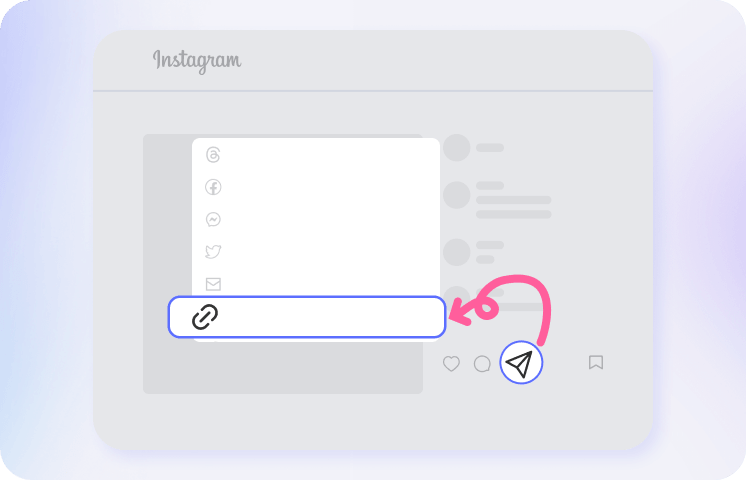
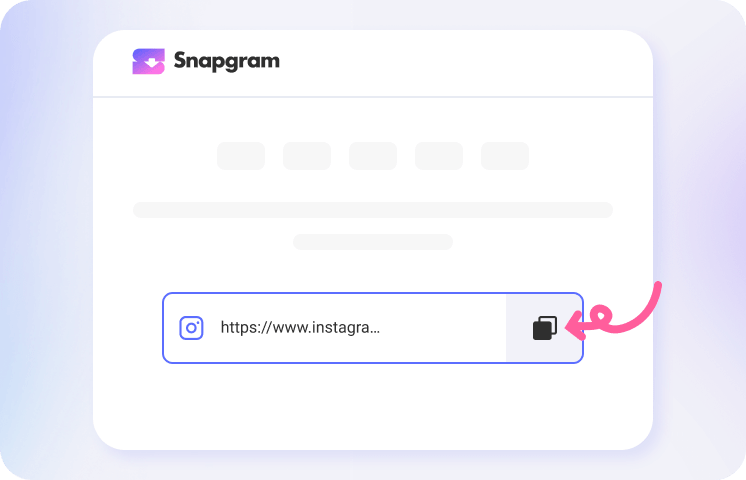
Head back to our Instagram picture(s) downloader and paste the copied URL or username. Then simply click Download, and you’ll soon see the available Instagram photos in original quality.
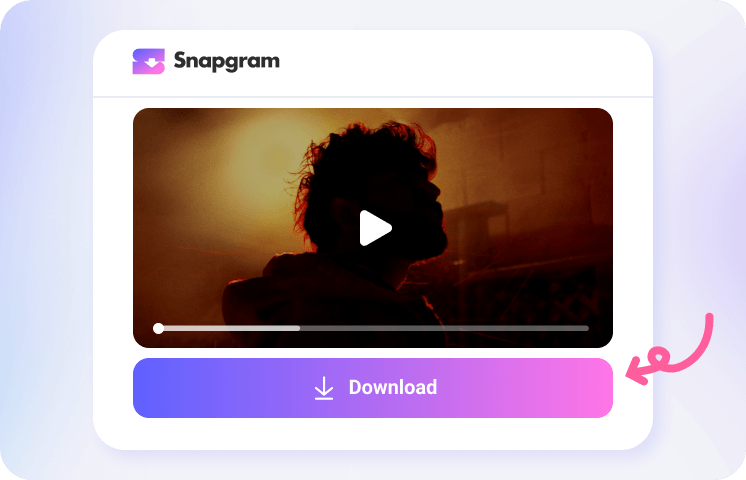
Preview the Instagram post photos in full screen, select your favorites or all of them, and save them as JPEG or PNG files to your phone or computer.
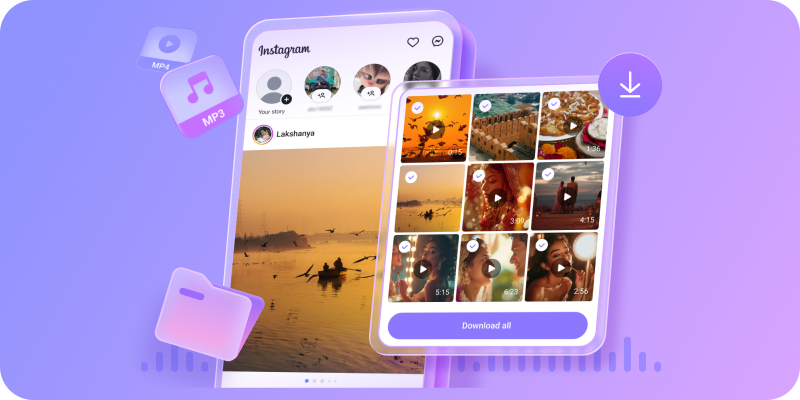
Instagram Photo Download App
Why Choose Snapgram for Instagram Image Download?

Insta Photo Saver Online

Free & Fast to Use

No Signup or Login
Save HD IG Photos

Download Multiple Photos at Once
Safe & Private Downloads
Download Instagram Photos, Carousel Images and More
Snapgram Photo Saver allows you to view and download all kinds of images from Instagram while keeping the original quality. You can download single-post photos, save carousel photos that contain multiple slides in sequence, full-size profile pictures, video thumbnails, Reel covers, Story pictures or Highlight photos from a Highlight collection. Choose any image from Instagram and download for free, no daily download caps. Simply paste the Instagram media link or username into our Instagram Photo Downloader, and all available images will display in sequence, and you can then select part of them or save all photos in one batch without any hassle. Start saving your favorite Instagram photos with Snapgram today.

Keep the Instagram Photos that Matter to You
In today’s world, Instagram has become an image-sharing hub. Sometimes, you may come across a public photo you like and want to download it to share, or you may want to save and archive your own Instagram photos. However, Instagram does not provide a direct option to download IG images as JPG files. This is where Snapgram Photo Downloader comes in. You no longer need to take screenshots or deal with blurry images. Just copy the Instagram photo link and paste it into our downloader to save a high-quality image without a watermark directly to your device. Whether you want to save images for inspiration, creative projects, competitive analysis, personal backups, or other purposes, Snapgram makes it easy to download multiple images from Instagram in just a few clicks. Ready to save your favorite Instagram photos? Paste a photo link into Snapgram and start downloading.

FAQs about Instagram Photo Downloader
What is an Instagram photo downloader?
An Instagram Photo Downloader like Snapgram’s is an online tool that lets you save images in high resolution from Instagram posts, carousels, profile pictures, video thumbnails, and other supported image types directly to your device. You don’t need to log in to Instagram or create an account to save Insta post images, just paste an Instagram photo link or username to download.
How do I download and save an Instagram photo?
Copy the link to the Instagram photo post, paste it into Snapgram’s Instagram Photo Downloader, and click Download. Then choose the image you want and save it to your device in JPG, or JPEG format.
Can I download Instagram photos in full HD without a watermark?
Yes. Snapgram saves Instagram photos in the highest resolution available from the original post, typically up to 1080 × 1350 px, without adding any watermark, text, logo, or branding.
How do I save pictures from Instagram to my gallery?
Copy the Instagram photo link, paste it into Snapgram saver, and tap Download. On Android, the image may save to your Gallery or Downloads folder; on iPhone, it may save to the Files app depending on your browser settings.
Can I download Instagram carousel photos?
Yes. Copy and paste the Instagram link to a carousel post to Snapgram, and you can preview the available photos and download individual images or the entire carousel in one batch.
Can I download Instagram profile pictures in full size?
Yes, for public profiles. Enter the profile username or paste the profile link to view and download the profile picture at the largest size available.
How to Save My Instagram Images Easily?
Instagram’s Save feature keeps posts in private collections, while Archive hides your own posts from your profile but keeps them only within Instagram. Neither option automatically saves a photo file to your device. Instagram’s data export can back up your photos, but it is slower when you only need a few images. For a quicker and more flexible option, use Snapgram Photo Downloader. Paste an Instagram photo link or username, choose the images you want, and download high-quality photos directly to your device—no login, screenshots, or complicated export process required.
Is there an Instagram photo downloader app?
Yes, Snapgram offers a faster app for bulk saving photos and file management. If you do not want to install an app, you can still use the web-based downloader.
Can I download photos from private Instagram accounts?
No. Snapgram can only access publicly available Instagram content. Photos from private accounts, removed posts, and restricted media are not available for download.
Why isn’t my Instagram photo downloading?
Check that the link is correct, the account is public, and the post has not been deleted or restricted. Expired Stories and unavailable Highlight items may also fail to load.
Is it legal to download Instagram photos?
Downloading a public photo for personal use is permitted in some situations, but the original creator still owns the copyright. Do not repost, edit, sell, or commercially use someone else’s photo without permission.