



Instagram Reels
Save trending vertical Instagram reels to your gallery with the original audio fully synced.
Try NowInstantly download and save any Instagram video in full high quality without a watermark, available on Android, iPhone, PC, or any other device.
Free. Fast. NO Ads. 100% Secure.
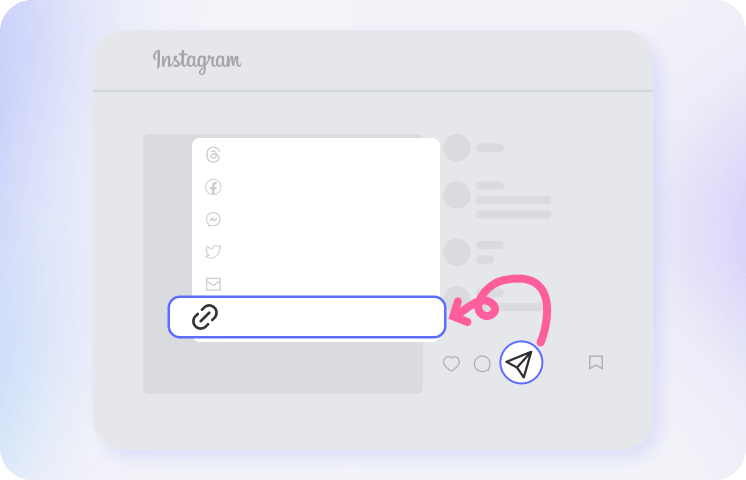
Open the Instagram app or webpage, find the video you want to save, tap the "Share" icon (the paper airplane), and select "Copy Link".
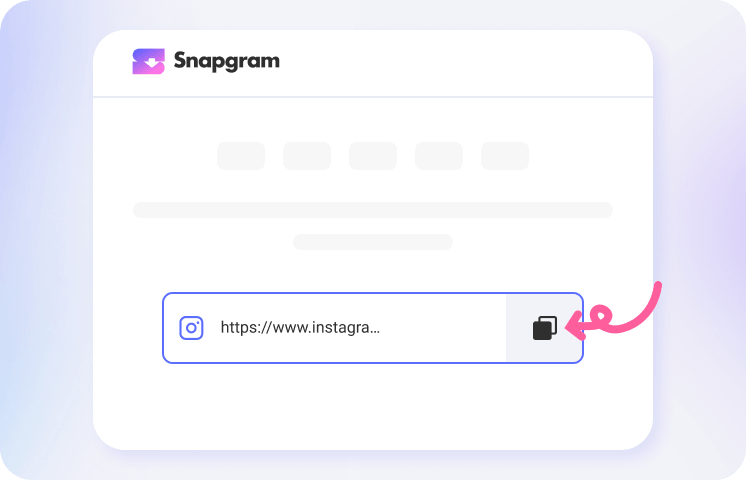
Come back to our online Instagram downloader and paste the copied link into the search box. Snapgram will automatically fetch the video for you in seconds.
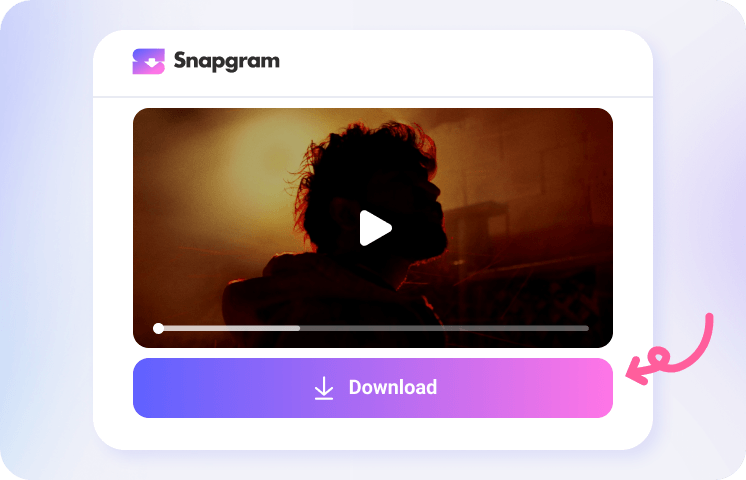
Once the video appears, tap the Download button. The MP4 file will save directly to your phone's photo gallery or your computer's downloads folder.

Save trending vertical Instagram reels to your gallery with the original audio fully synced.
Try Now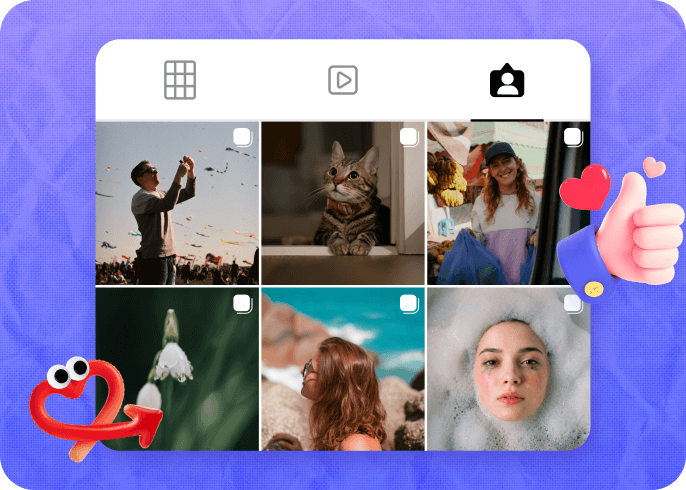
Easily download regular single-video posts directly from the main grid of any public profile.
Try Now
For Instagram posts containing a mix of photos and videos, we load the entire gallery so you can pick which files to save.
Try Now
Catch expiring 24-hour Stories or pinned Highlights. Just paste the link to get the video before it vanishes.
Try Now1. How to download videos from Instagram?
Visit an online Instagram video saver without download limits like Snapgram: 1. Open Instagram and find the video post, reel, or story you want to download. 2. Copy the Instagram link, paste it into the field above, and click Download. 3. Save your video locally in high-quality MP4.
2. What is the best Instagram downloader for mobile?
3. Can I download videos from private Instagram accounts?
No. To respect user privacy, Snapgram only processes links from public accounts. If the profile is locked, the tool will not be able to find the video.
4. Where do the videos go after I save them?
Mobile users will find the saved MP4 right in their default Photos app or gallery. If you are using a PC or Mac, check the standard "Downloads" folder on your hard drive.
5. Why is the video playing in my browser instead of downloading?
Depending on your browser settings, the video might open in a new tab to play. If this happens, simply tap and hold the video (on mobile) or right-click (on computer) and select "Save Video".
6. What should I do if the download fails?
First, double-check that you copied the full link and that the creator's account is public. Occasionally, our system might experience a temporary delay. If the link is correct but it still does not work, simply try again in a few minutes or contact our support team for help.