Instagram Private Viewer & Downloader
Instant to download private Stories, videos, Highlights, Reels, photos, MP3 audio from Instagram accounts you can access, while preserving high quality.
Get the IG private saver App for a smoother workflow.
Download Instagram Private Profile Content Safely
How to Download Private Videos or Photos from Instagram?
Start by downloading and installing our secure IG private APK on your phone. If you are unsure whether an Instagram post link is private, you can try our online Instagram downloader, as shown in the hero section above. It is available for Android, iPhone, PC, Mac, and other devices.
Open the Snapgram app and access Instagram content that you are authorized to view. You can browse private Stories, Highlights, Reels, videos, photos, and reposts as needed. Snapgram will automatically process the content and provide options to view or download it on the screen. Say bye to those complicated workflows involving JSON code or session cookies with other third-party tools.
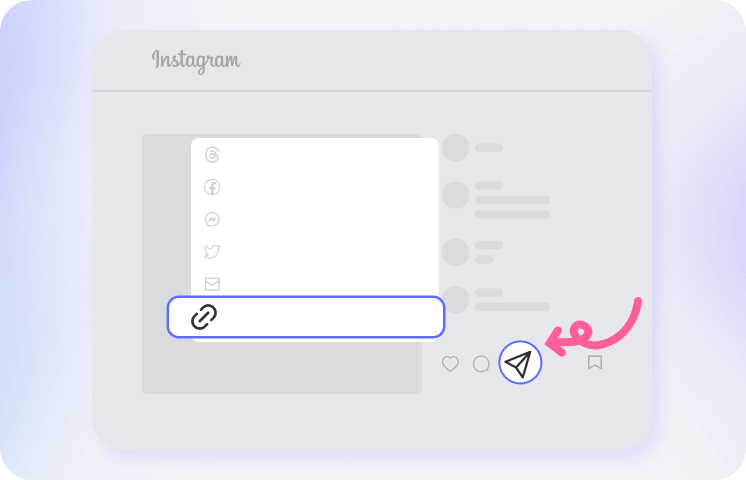
With your downloading needs in mind, Snapgram allows you to save authorized private Stories, videos, and other media in high quality, without quality reduction or watermarks where supported. We aim to provide a smooth viewing and downloading experience.
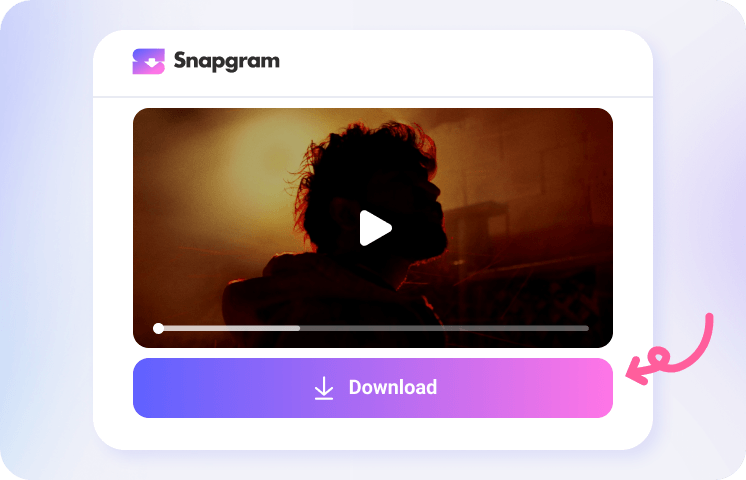
Instagram Private Downloader App
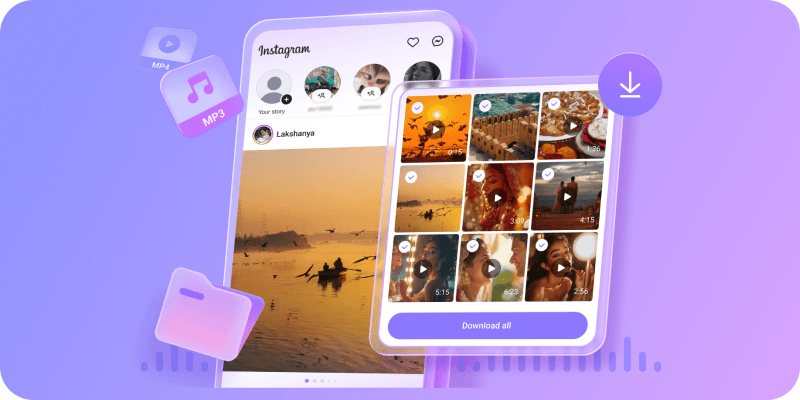
Why Choose Snapgram for Instagram Private Views & Downloads

Private Instagram Viewer

Instagram Private Story Download

Multiple Private Content Types

Fast & Breeze to Use

High-Quality Output

Safe Instagram Private App
FAQs of Instagram Private Download
What is a private Instagram viewer & downloader?
A private Instagram viewer and downloader lets you view and save Stories, Highlights, Reels, photos, videos, audio, and other media from private profiles—with the account owner’s permission. It does not bypass Instagram’s privacy settings and supports only authorized content.
How to save Insta private posts with ease?
Open Snapgram App and sign in through Instagram’s official authorization page. Enter the username of a private account you already follow and are authorized to access, select the desired post, preview the media, and tap Download.
How to download private Instagram videos?
Compared with traditional source-code copying methods, the Snapgram App offers a simpler, faster, and more convenient way to save authorized private Instagram videos. Just open the app, select content from a private account you already follow and have permission to access, preview the video, and tap Download to save it for offline viewing or personal use. Snapgram is designed to streamline the process without requiring complicated technical steps or manual code extraction.
How to download private Instagram stories with music for free?
With Snapgram, you can save active Stories with their original audio from private accounts you already follow, provided you have permission to download the content. Open the app, select the private Story, and tap Download to get started—no technical expertise required.
What is the best Instagram private download App?
Snapgram is a convenient Instagram private-content viewer and downloader for authorized media. It offers a fast, user-friendly workflow and supports multiple content types, including Stories, Highlights, Reels, videos, photos, carousels, and audio with original high quality.
Is Snapgram IG private App really trustworthy?
Certainly yes. Snapgram’s private app is designed to help users access and save Instagram content they are authorized to view, without bypassing account privacy settings. It follows a privacy-focused approach by avoiding unnecessary data collection and protecting users’ personal information.
Why isn’t an Instagram private video downloader working?
Private Instagram video downloaders may occasionally fail because the content is visible only to approved followers or the account owner has updated their privacy settings. Other possible causes include an expired Story, an incorrect username, deleted content, temporary Instagram changes, an unsupported media format, or an unstable internet connection. Confirm that you have authorized access, check the account details, and try again later.