Instagram to MP4 Converter & Downloader
Easily download Instagram videos and reels as MP4 files for offline viewing. Simply paste an Instagram video link, and our Instagram converter will automatically detect and convert it into MP4 in up to 1080p or 4K quality—no watermark included.
Free, safe, and unlimited conversions.
How to Download Instagram Videos as MP4 Online?
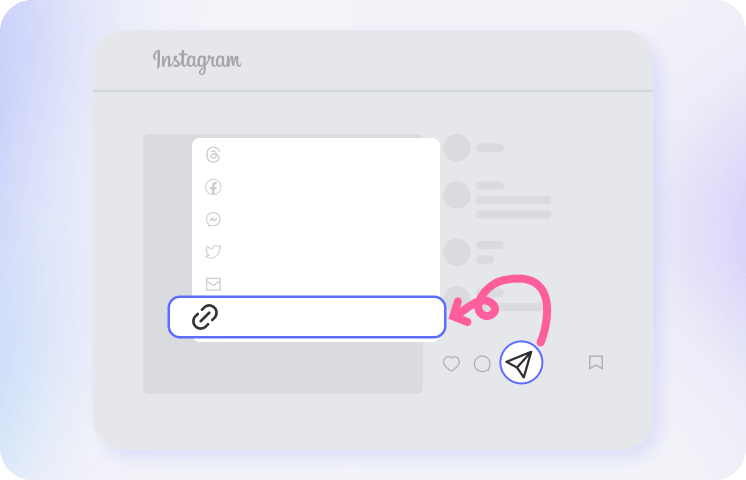
Open Instagram (app or website), find the video, story, reel, or IGTV you want, tap the “Share” button, and select “Copy Link.”
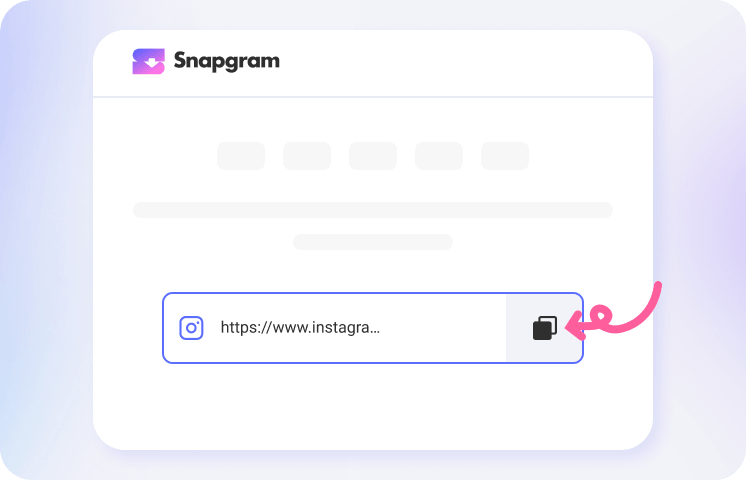
Paste the link into the input box above. Snapgram will instantly process the post link and generate a high-quality MP4 file.
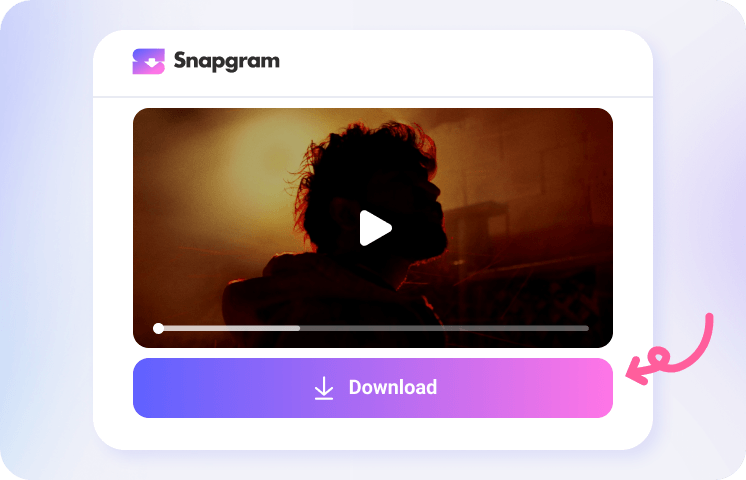
Preview the video using the built-in player, then click “Download” to save it to your phone or computer. It’s that simple.
Get the Best MP4 Converter for Instagram

Exciting Features of the Instagram to MP4 Video Downloader

Online Instagram Downloader

HD MP4 Video Conversion

Multiple Formats Supported

Watermark-free Output

Unlimited MP4 Downloads

Your Privacy Focused
Why to Convert Instagram Videos to MP4s?
Hot FAQs about Instagram to MP4 Downloader
How to convert Instagram videos to MP4 for free?
Open Snapgram in any browser, paste your Instagram video or Reel link, and click Download. The tool will fetch the video and convert it into a standard HD MP4 file online — completely free, with no login or app required. It works smoothly on iPhone, Android, PC, Mac, and Linux.
How do you save Instagram Reels as MP4?
You can download an Instagram Reel as an MP4 by copying the Reel link and pasting it into Snapgram’s online Instagram converter. It can extract the video in high definition and save it without a watermark.
Does Snapgram support 4K Instagram MP4 downloads?
Yes. After you paste a valid Instagram link from a feed video, Reel, Story, Highlight, or IGTV and click Download, Snapgram will deliver the highest available quality for that post in MP4 format.
What format does the Instagram video downloader save files in?
Snapgram saves Instagram videos as MP4 files, the most widely supported video format. MP4 plays on phones, tablets, and computers without extra conversion.
Can I batch download Instagram videos as MP4?
Is it legal to download Instagram videos?
Downloading Instagram videos is sometimes legal, but it depends on ownership, method, and intended use. Downloading your own videos or saving content for personal offline viewing is generally low risk, while re-uploading or monetizing someone else’s content without permission may violate copyright law and Instagram’s terms.